
Download KVIrc – IRC Client, Chat Tool, Secure Messaging, File Sharing, Proxy Support
Overview
KVIrc is a lightweight IRC (Internet Relay Chat) client designed for users seeking a reliable and secure way to communicate in real time across global chat networks. Built with a focus on functionality and user control, the app enables individuals to join public and private chat channels, exchange messages, and share files with peers worldwide. It serves as a dedicated tool for tech-savvy users, developers, open-source contributors, and online communities who rely on IRC for collaboration and information exchange. The app addresses the need for a customizable, secure, and stable IRC experience, especially in environments where network restrictions or privacy concerns are present.
While the developer did not provide detailed background information, KVIrc has been recognized for its long-standing presence in the open-source community. Its continued use suggests a dependable foundation for real-time communication. Typical use cases include technical support forums, software development coordination, and niche interest groups that prefer IRC’s low-latency, text-based interaction. In the broader app ecosystem, KVIrc fills a specialized niche by offering a lightweight, feature-rich alternative to mainstream messaging platforms, particularly for users who value privacy, minimalism, and control over their communication tools.
Key Features & Functionality
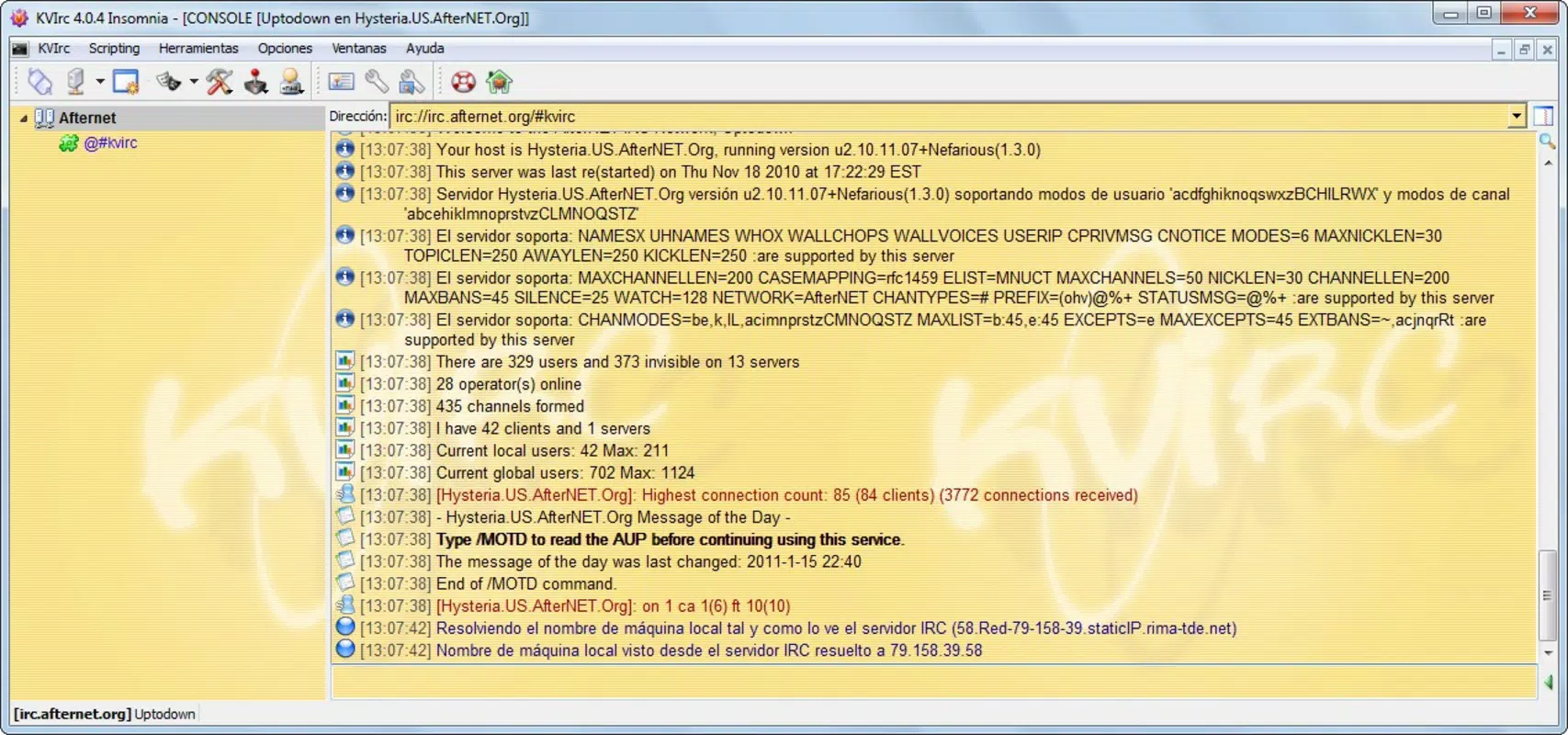
- Multiple Proxy Support: KVIrc supports SOCKSv4, SOCKSv5, and HTTP proxies, allowing users to connect through restricted or monitored networks. This ensures consistent access to IRC servers regardless of regional or organizational firewalls.
- DCC Transfer with IPv6: The app enables direct client-to-client (DCC) file transfers over IPv6, facilitating faster and more secure data sharing between users on modern networks.
- User Management Tools: Users can create ignored lists to filter out unwanted messages and access registered user lists for verified participants, improving conversation quality and reducing spam.
- Download Control: The ability to pause and resume file transfers provides flexibility during unstable connections, ensuring uninterrupted downloads when network conditions fluctuate.
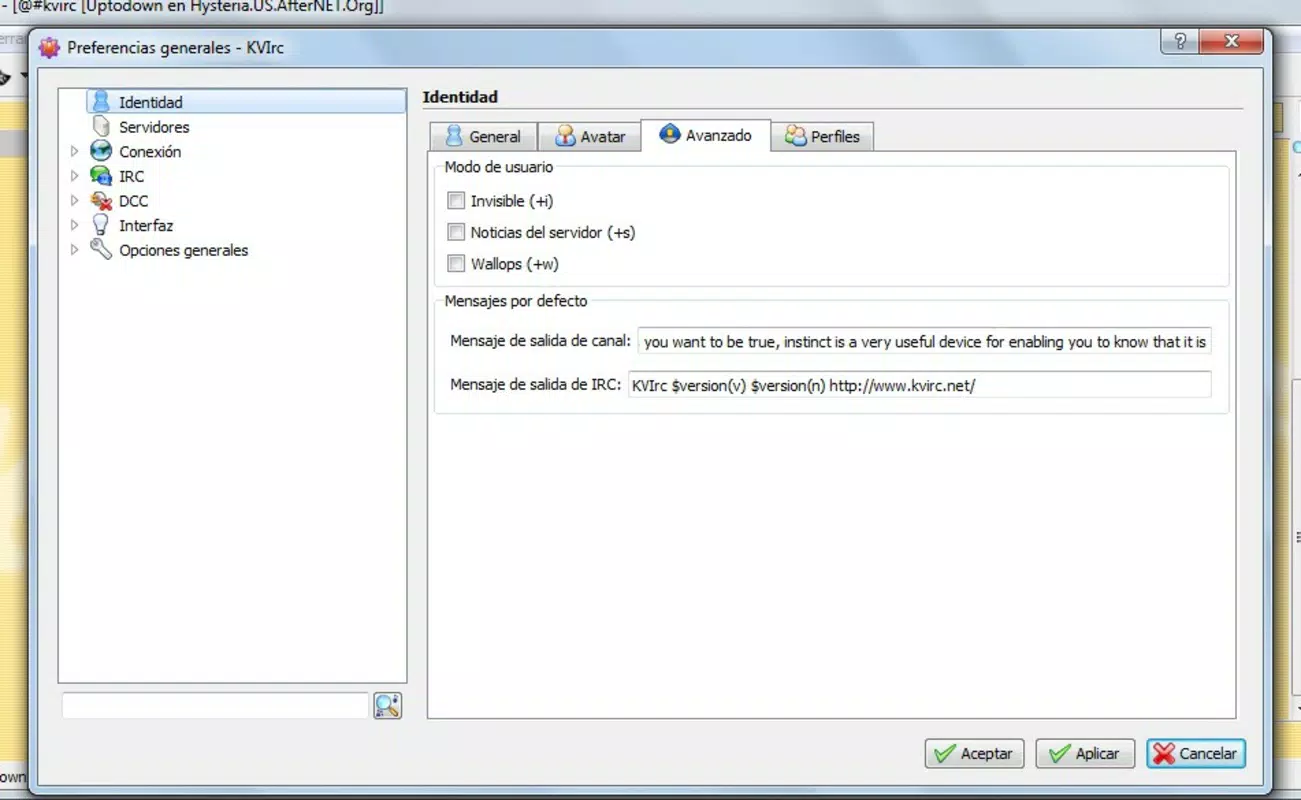
- Highly Configurable Settings: With extensive customization options, users can tailor the interface, keyboard shortcuts, connection parameters, and notification preferences to match their workflow and personal style.
For example, a developer working in a remote team can use KVIrc to join a project-specific IRC channel, manage incoming messages through custom filters, and securely transfer code snippets via DCC. Similarly, a privacy-conscious user in a restricted region can route their connection through a SOCKS proxy to maintain access to open communication channels.
Interface, UX & Performance
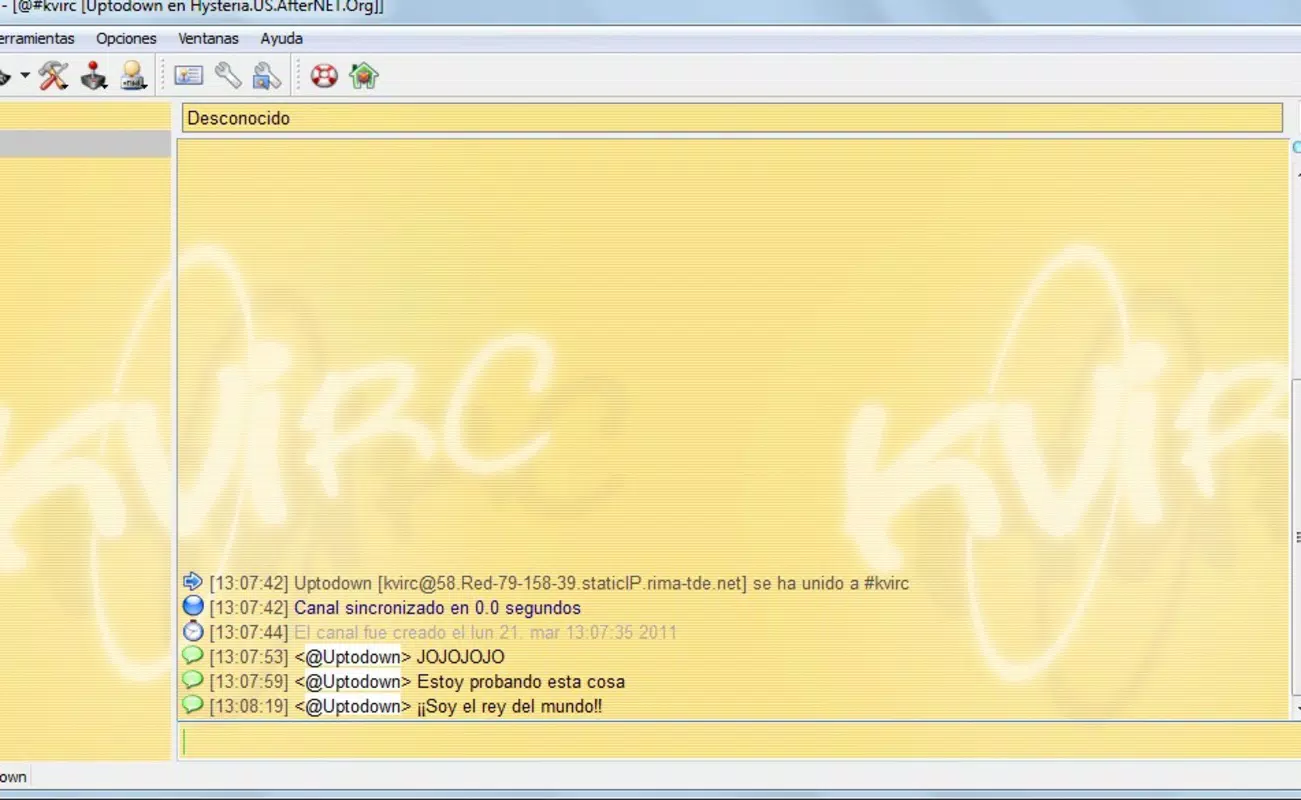
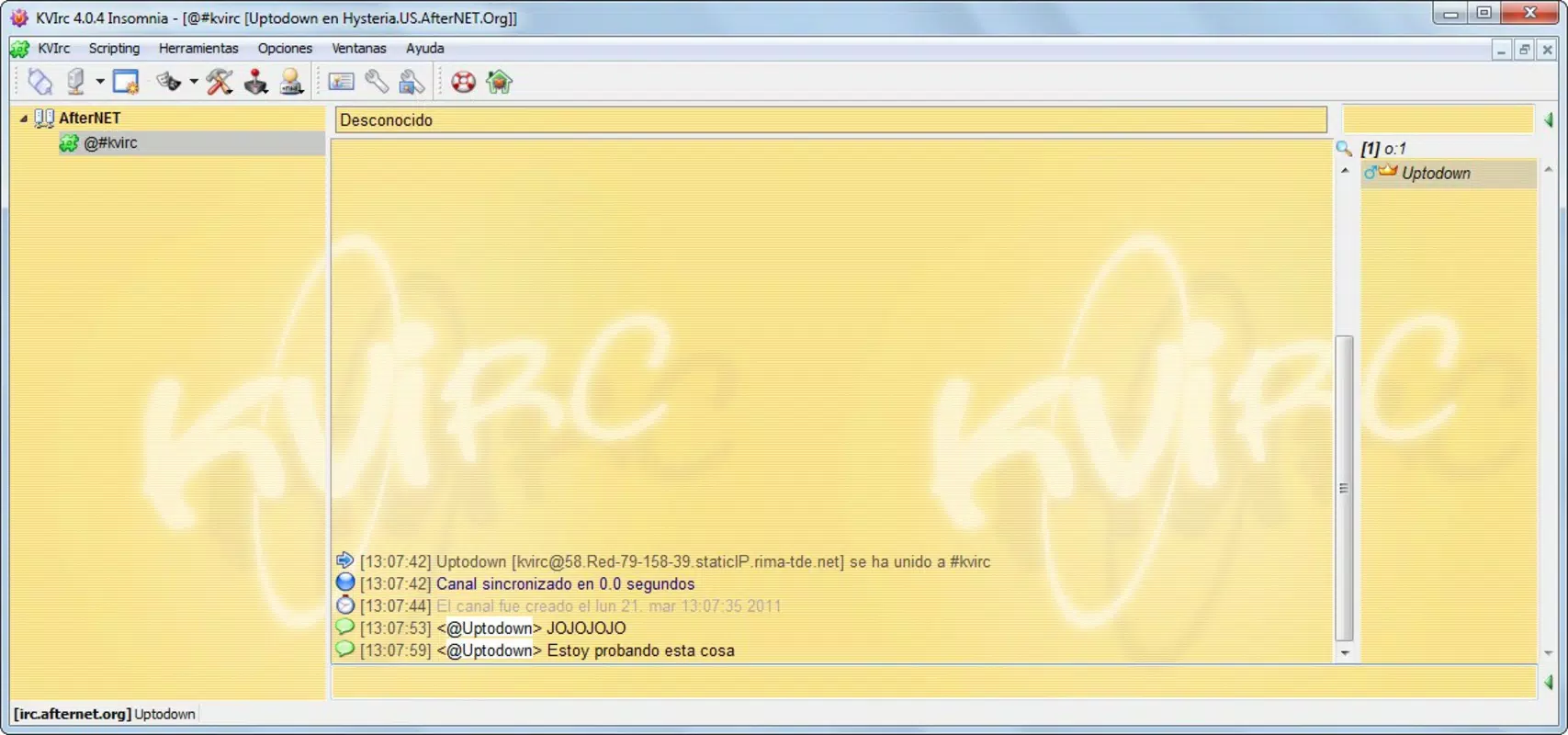
The user interface of KVIrc is designed with functionality over flair, prioritizing clarity and efficiency. It features a clean layout with channel lists, message history, and input fields arranged for quick access. Navigation is intuitive, allowing users to switch between channels, manage connections, and adjust settings with minimal clicks. The visual style remains consistent with traditional IRC clients, favoring text-based organization and keyboard-driven workflows.
Although the developer did not list formal performance metrics, the app’s lightweight nature suggests it operates smoothly on a range of devices, including older smartphones and tablets. Responsiveness is expected to be strong, given its focus on real-time communication. Stability is likely maintained through regular updates and community support, though specific crash reports or update frequency were not disclosed. The app appears optimized for continuous background operation, which is essential for maintaining active chat sessions without disconnection.
Platform Compatibility & Technical Requirements
KVIrc is available for Android and iOS platforms, making it accessible across major mobile ecosystems. The app supports the latest versions of both operating systems, ensuring compatibility with current device hardware and security standards. The file size is reported as 12.5 MB, indicating a compact footprint suitable for devices with limited storage. The current software version is 2011-03-21, which reflects a long-standing release cycle with minimal updates.
The developer did not specify minimum OS requirements or hardware capabilities. Compatibility information was not fully disclosed. Users should verify device compatibility through official app stores before installation. No additional permissions beyond standard network access were listed.
Pros and Cons
Pros
- Lightweight design with minimal storage footprint
- Supports multiple proxy types for secure and flexible connectivity
- Enables DCC file transfers over IPv6 for modern network compatibility
- Highly customizable settings for personalized user experience
- Robust user management tools for filtering interactions
Cons
- Limited update frequency since 2011 release
- No official information on minimum OS or device requirements
- Interface may feel outdated to users accustomed to modern mobile apps
- Performance under heavy network load not documented
- Community support channels not specified
FAQ
Is KVIrc available for both Android and iOS?
Yes, KVIrc is designed for both Android and iOS platforms, allowing users to access IRC networks on their preferred mobile devices.
Can I use KVIrc with a proxy server?
Yes, KVIrc supports multiple proxy types, including SOCKSv4, SOCKSv5, and HTTP, enabling secure and reliable connections through restricted networks.
Does KVIrc support file sharing?
Yes, the app includes DCC (Direct Client-to-Client) transfer functionality, allowing users to send and receive files directly, with support for IPv6.
Is KVIrc free to download and use?
Yes, KVIrc is available for free. No in-app purchases or subscription fees are required.
How often is KVIrc updated?
The latest version was released on March 21, 2011. The developer did not provide information on current update frequency.
Final Thoughts
KVIrc remains a solid choice for users who prioritize control, security, and customization in their IRC experience. While its release date suggests limited recent development, its core functionality continues to serve niche communities effectively. The app excels in proxy support, file transfer capabilities, and user management—key features for dedicated IRC users. However, the lack of updated information on system requirements and support may deter newer users unfamiliar with legacy tools.
For developers, open-source contributors, and privacy-focused communicators, KVIrc offers a dependable, lightweight solution for real-time text-based collaboration. Its ability to operate efficiently across diverse network conditions makes it a valuable utility in the mobile app landscape.
Download KVIrc now


